Web & Desktop Automation
Do it once. Automate every repeat.
Record a web or desktop task, confirm its sign-in, inputs, and results, then run it again from one click, local schedules, mobile, channels, CLI, or API.
Choose installer
Pick the package that matches your device.
For Apple Silicon devices such as M1, M2, M3, and M4.
For Intel-based Mac devices.
For 64-bit Windows desktop devices.
Not listed on the App Store yet. View status and request an email update.
Not listed in app stores yet. View status and request an email update.
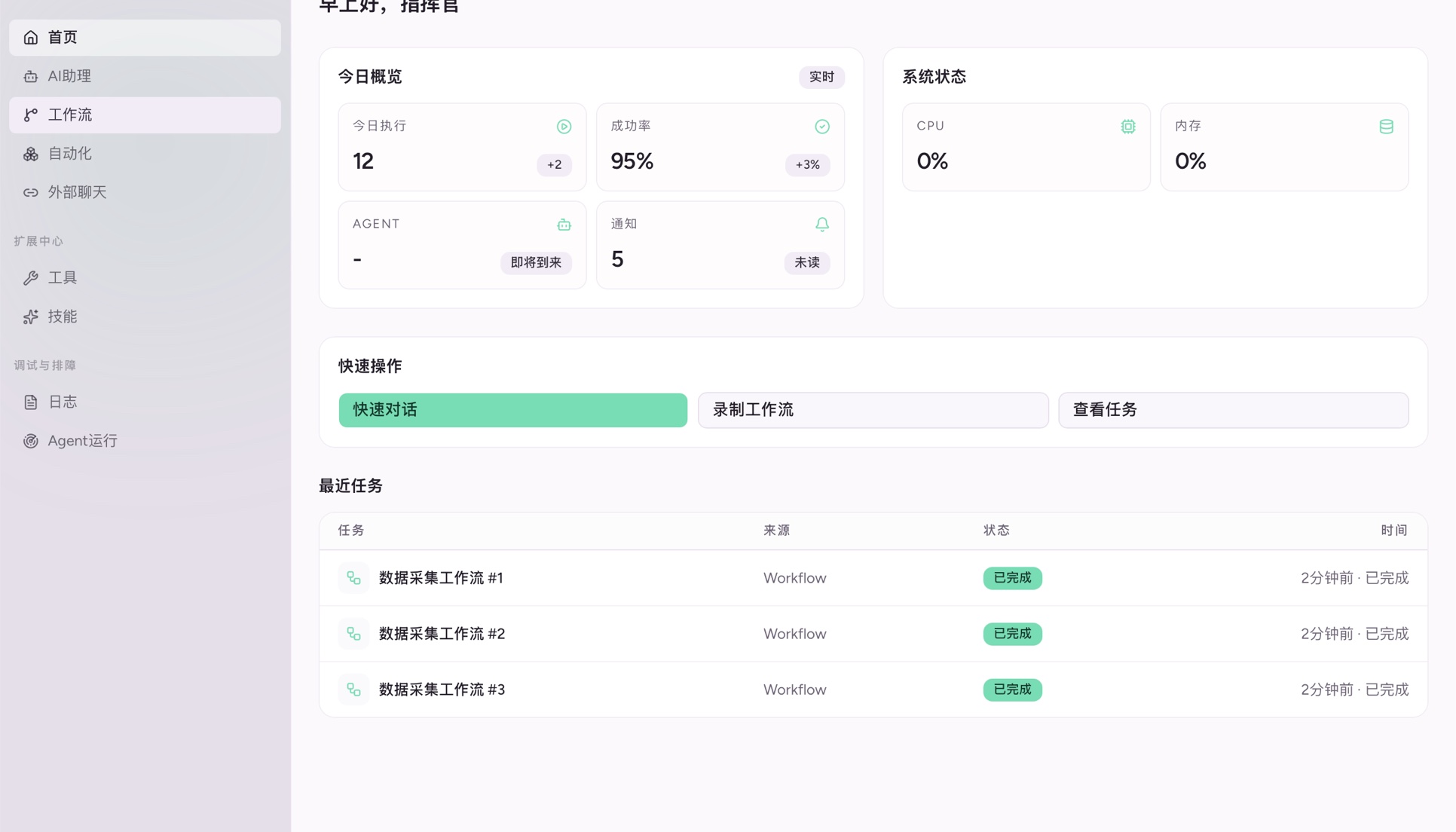




Core Features
A complete loop for recording, sign-in, execution, remote control, sharing, and repair.
Web & Desktop Automation
Perform a task once in a website or desktop app, then turn it into a repeatable automation.
Isolated Sign-in Profiles
Each website account runs in its own CloakBrowser profile. Sign-in state and files stay local by default.
One-click & Local Schedules
Run from a generated input form or schedule recurring work on your own computer.
Mobile & Channel Control
Send a command from mobile or a connected messaging channel to a selected computer.
CLI, API & Plugin Sharing
Use the same input/output contract from CLI and API, then publish or privately sync sanitized plugins.
Automation Assistant
The assistant helps build, validate, and repair automations. Published runs stay deterministic by default.
Two Ways to Build, One Reliable Runtime
Demonstrate the task yourself or describe the goal to the automation assistant. Both paths must pass local tests before publishing.
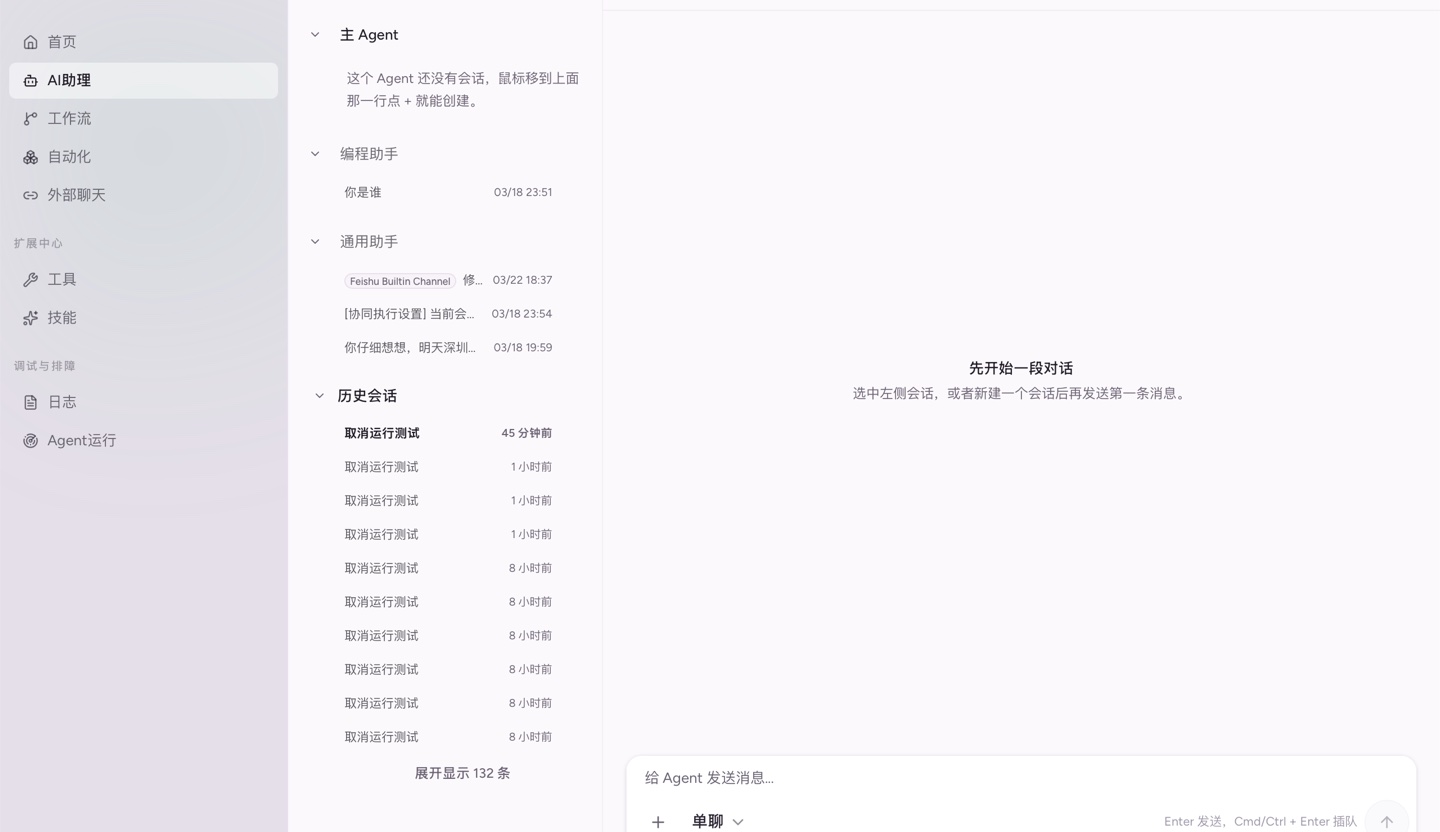
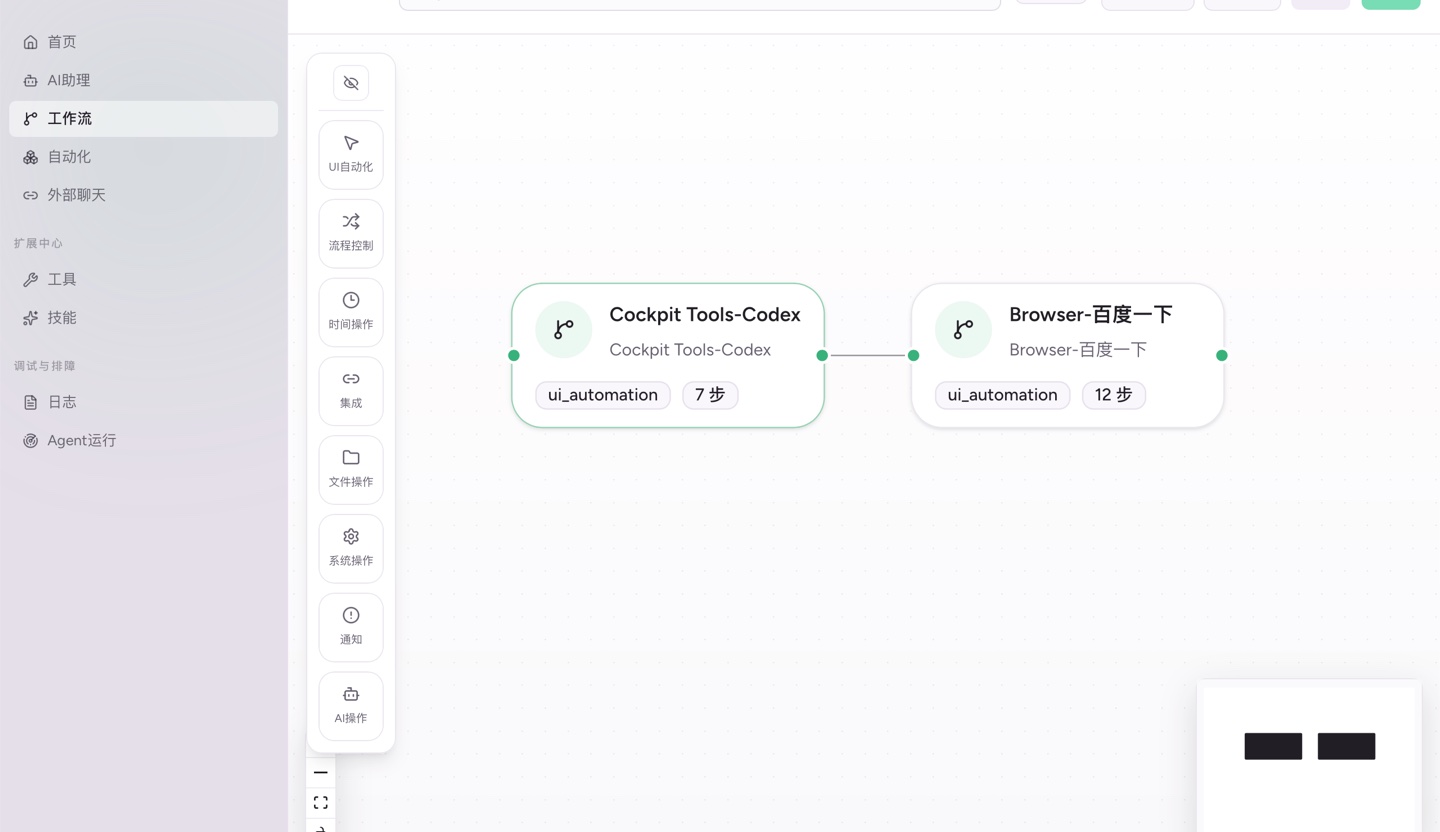
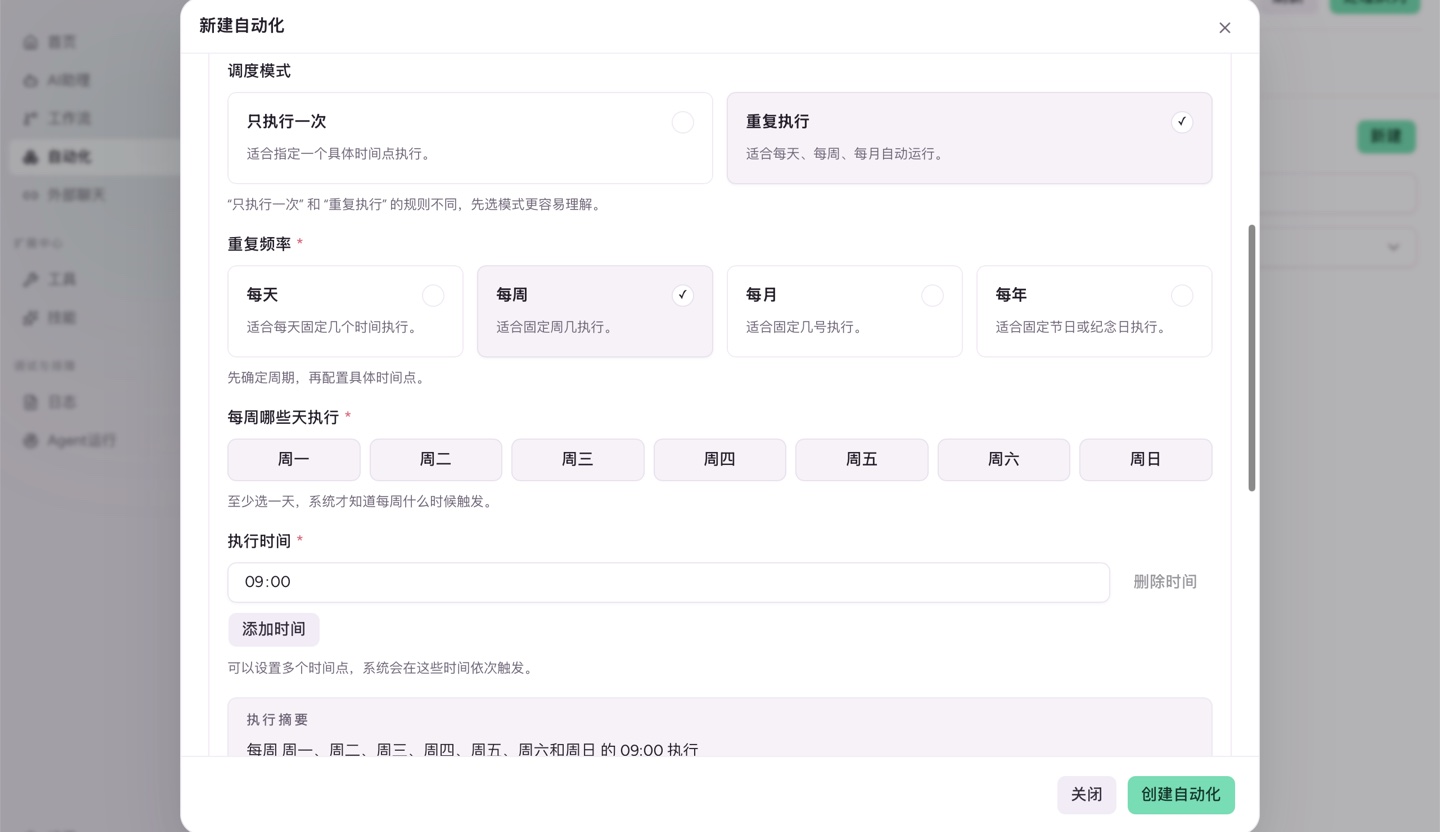
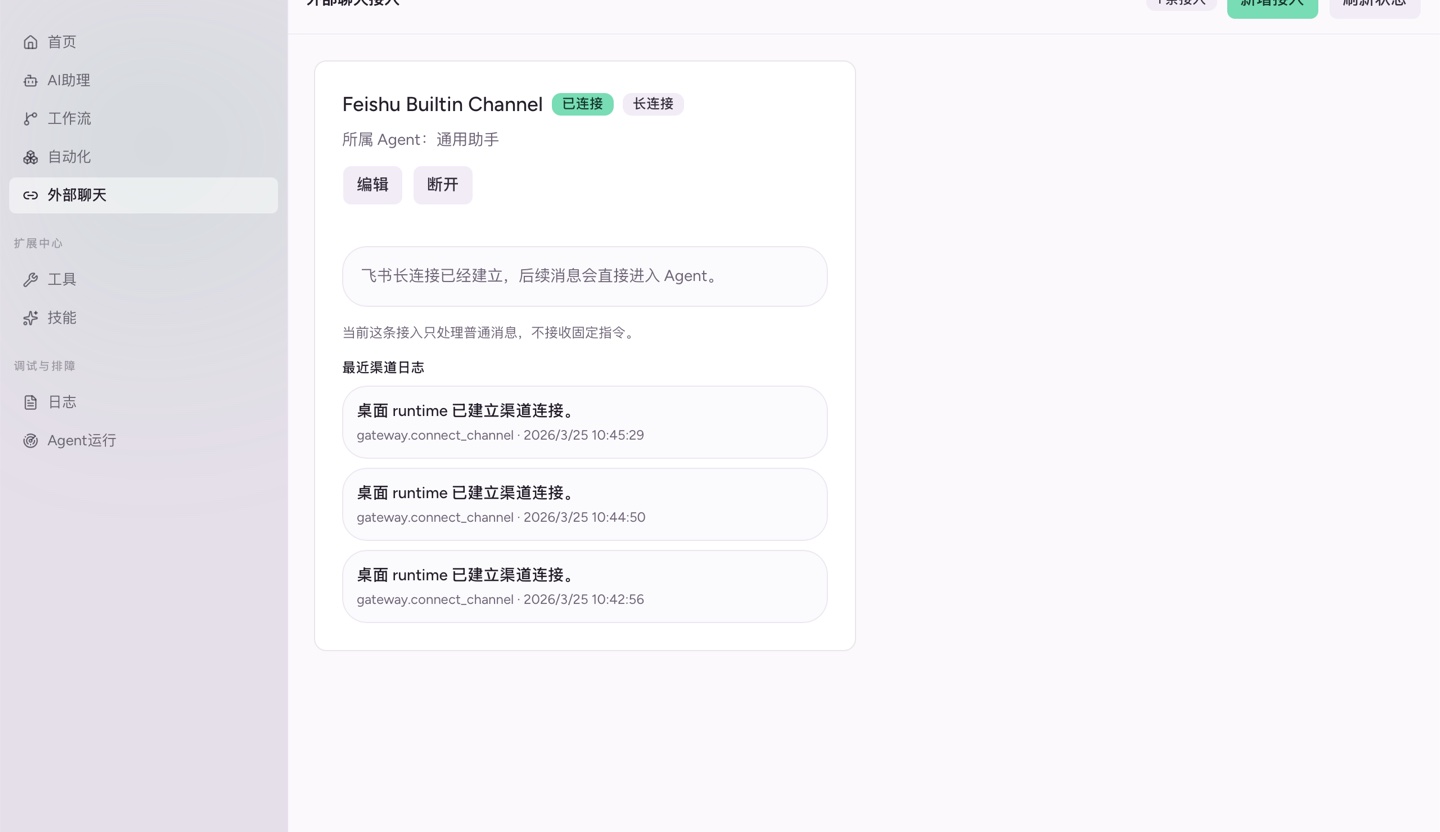
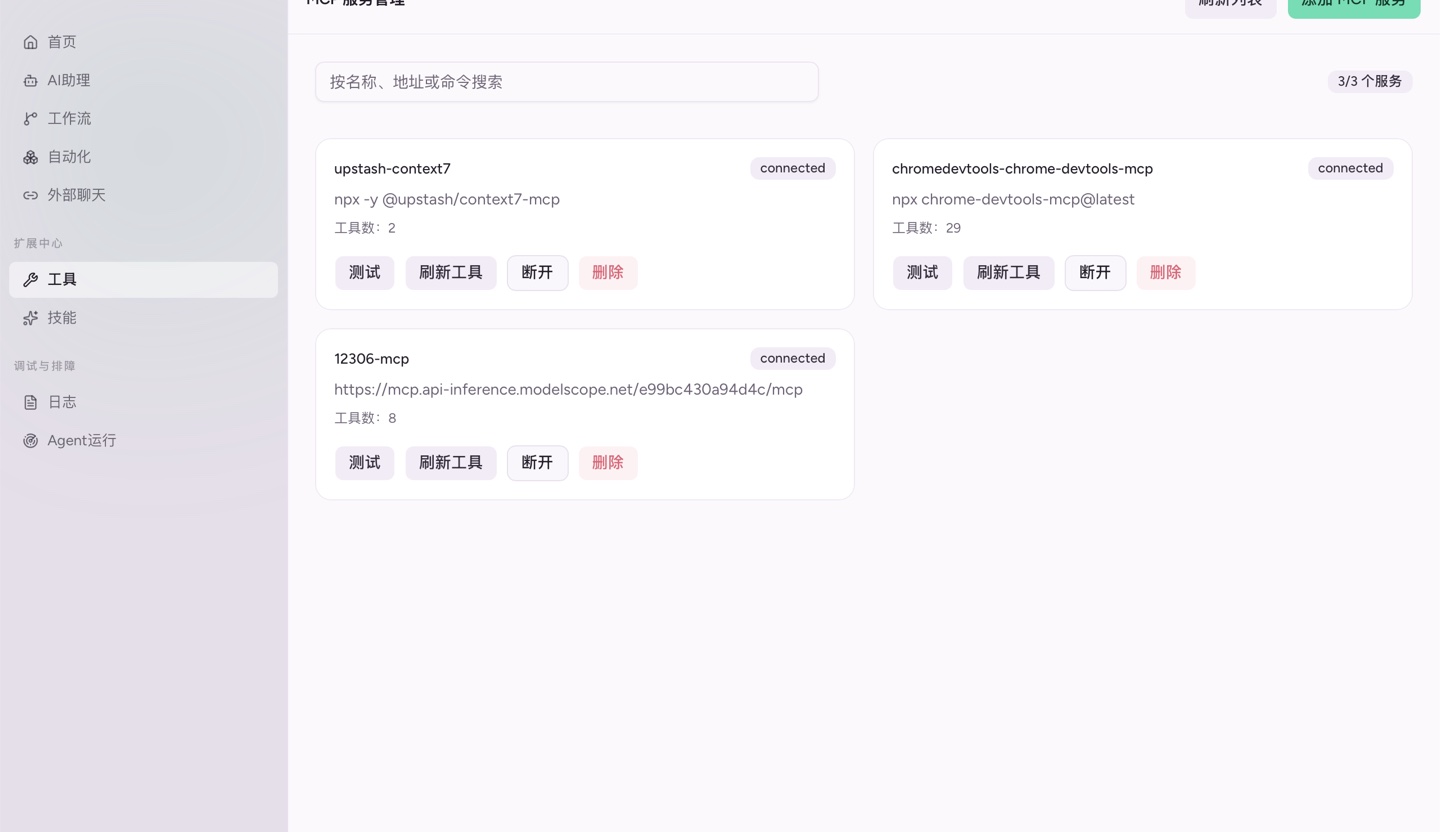
Record once, automate the repeats
Complete the real task in a website or desktop app while Workova records actions, requests, inputs, files, and outputs locally.
Why Workova
Turn repetitive operations into tested, scheduled, and remotely controlled local automations.
Reuse Existing Sign-ins
Keep each website identity in an isolated CloakBrowser profile and verify sign-in health before each run.




Assistant-free Normal Runs
Once tested, automations follow deterministic API, web, or desktop steps. The assistant only helps build and repair them.
Local Compute, Clear Privacy Boundaries
Browser sessions, desktop actions, schedules, and artifacts stay on your computer by default. Assistant requests send only the redacted context needed for the current analysis.
Try it now for Free

Choose Your Plan
Start with free local automation, then add assistant capacity, remote control, and private sync as needed.
Loading current plans…
Frequently Asked Questions
Can't find your answer? Feel free to contact us.
Workova is a local automation app. Perform a web or desktop task once, confirm its inputs, outputs, and sign-in profile, then run the tested automation from one click, schedules, mobile, channels, CLI, or API.